Build circuits.
Simulate reality.
Drag-and-drop circuit design with real SPICE physics and boolean logic propagation — all in your browser. No installs, no setup. Microcontroller simulation coming soon.
Simulating
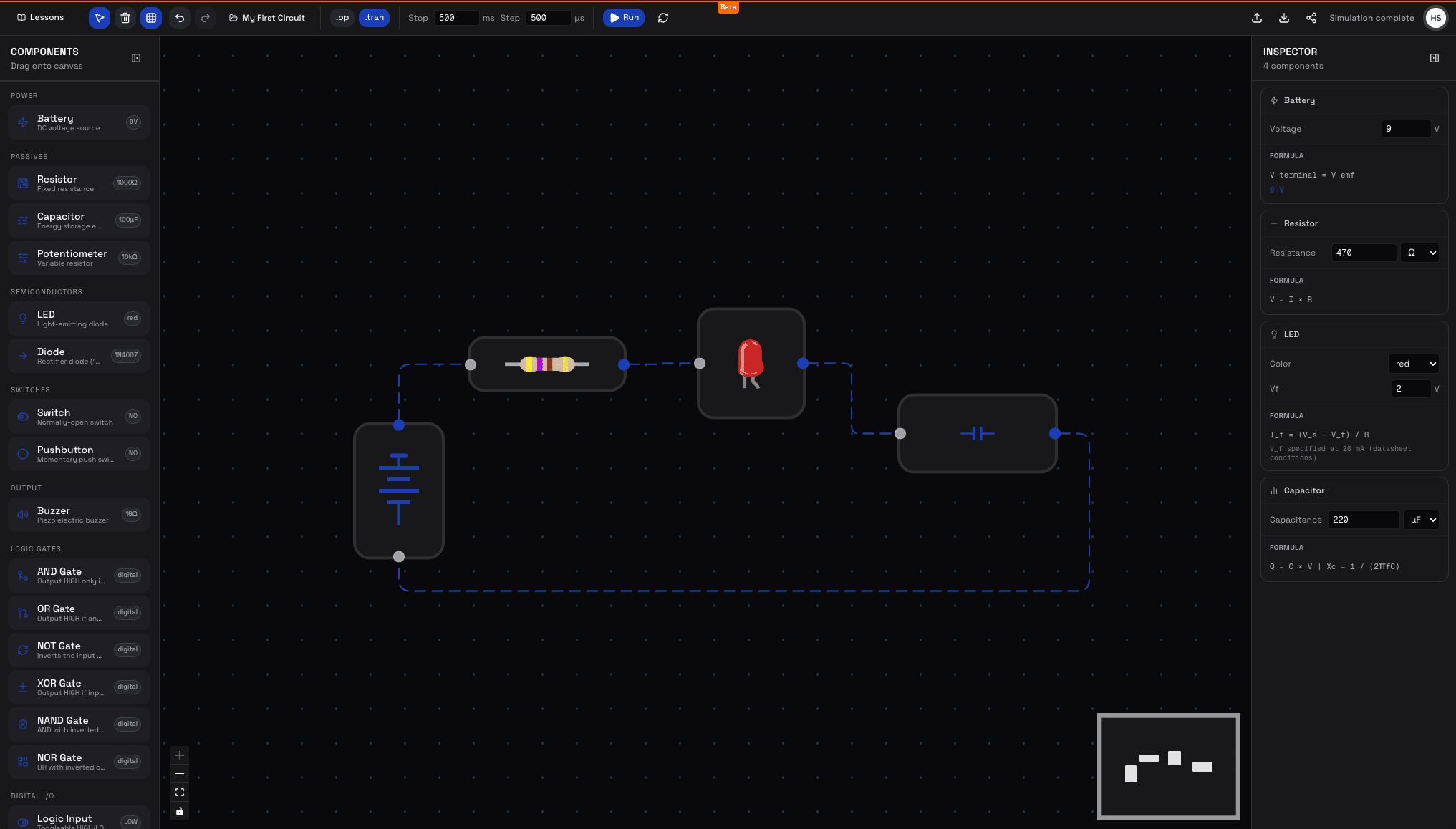
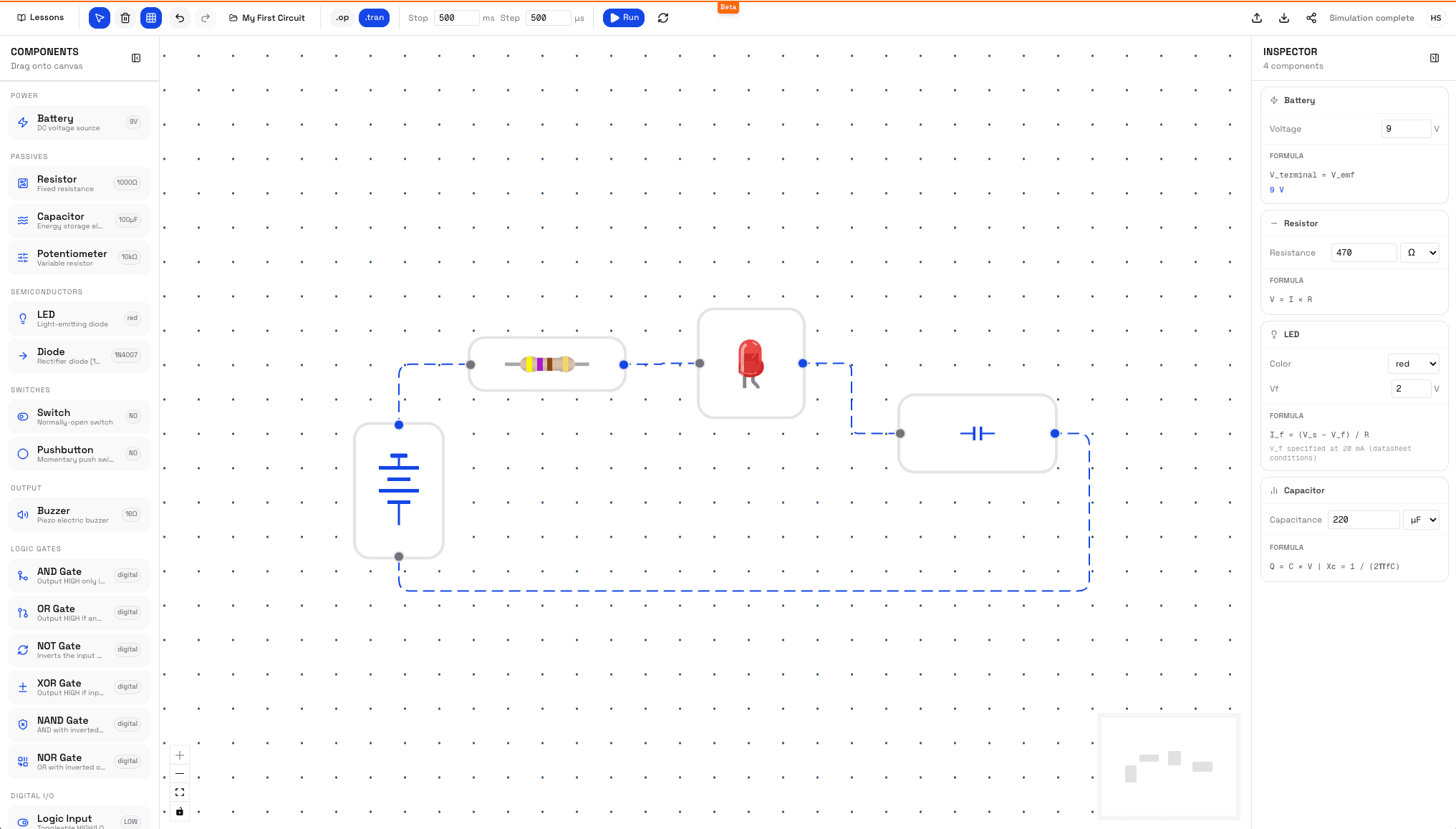
Simulation Engines
Three simulators.
One canvas.
Mix analog, digital, and microcontroller components freely. Each engine detects what it should run and fires automatically.
Coverage
Know before
you build.
TinkerSim is a focused simulator, not a full SPICE suite. Here's exactly what works, what doesn't, and where you'll hit limits — so you don't waste time wiring the unsupported.
No hard cap, but ngspice-wasm is single-threaded. Circuits with more than ~50 nodes may take several seconds to converge on transient runs.
Highly non-linear circuits (many diodes in series, very stiff sources) can fail to converge. The simulator will surface the SPICE error in the inspector panel.
SPICE requires exactly one node connected to ground (GND pin on the battery). Circuits without a ground node will not simulate.
Need pin layouts and SPICE model notes? View the full component reference →
Live Examples
Try a circuit
in one click.
Pre-built circuits that open directly in the simulator. No account needed — just click and explore.
Who It's For
Built for anyone
who tinkers.
Whether you're learning Ohm's law for the first time or prototyping a circuit before ordering parts, TinkerSim meets you where you are.
Students & Learners
Visualise circuit theory without buying hardware. Build the same circuits your textbook describes and see real voltage and current values instantly.
Hobbyists & Makers
Prototype and validate ideas before ordering parts. Catch wiring mistakes and measure expected voltages before a single component is soldered.
Educators
Build a circuit, click Share, and paste the URL into your slides. Students open it in any browser and interact with the same circuit — no accounts, no installs.
Workflow
From idea to simulation
in four steps.
Pick your components
Drag resistors, capacitors, LEDs, logic gates, and more from the palette onto the canvas.
Connect with wires
Click a component pin and drag to another to connect them. Wires route automatically between nodes.
Hit Run
TinkerSim detects your circuit type and fires the right engine. Voltages, currents, and logic states update instantly.
Share the URL
Click the Share button to copy a link that encodes your entire circuit. Anyone with the link can open and run it — no account needed.
Roadmap
Where we are.
Where we're going.
TinkerSim is actively developed. Here's the current state and what's coming next.
Analog SPICE Simulation
DC operating point and transient analysis. Voltage, current, and capacitor dynamics — the same physics as professional EDA tools.
Digital Logic Gates
Boolean propagation engine with topological sort. Full gate library with real-time output.
Accounts & Projects
Multi-project workspace with Firestore sync, URL sharing, and org-based access control.
Arduino Simulation
Write C++, compile to AVR firmware in the browser, and run it against the circuit canvas. Serial monitor included.
ESP32 & More Boards
Extend MCU simulation to ESP32 (Xtensa) and additional microcontroller families.
+6 more planned features
View full roadmapReady to start tinkering?
Free to use. No credit card. No install. Open the browser and build.
Create free accountAutosaved every 3 seconds
Signed-in projects sync to the cloud in real time. Anonymous sessions persist in browser storage — sign in to keep work across devices.
Auth & data secured
Authentication via Clerk. Circuit data stored in Firebase Firestore with per-user isolation. All traffic over HTTPS. Security details →
Chrome, Firefox, and Edge
The SPICE engine runs as WebAssembly — it requires a modern, evergreen browser. Safari is not currently supported due to WASM thread limitations.
Delete your data any time
You own your circuits. Delete individual projects from the app, or delete your account and all associated data from the account settings.
Requires internet
TinkerSim is not an offline app. An active connection is needed to load the simulation engine and sync projects. Offline mode is not currently supported.